


I have written on this Substack about open-source models before, and today, I am going to write about it again. This is because I think it is critically important for educators to understand that AI is a general technological shift in how we interact with computers, and that the big foundational language models are only one small part of it. The other part, the one that gets considerably less attention, is the open-source ecosystem of models that anyone can download and run on their own hardware.
The claim I keep making is this. If every foundational model disappeared tomorrow, the technology itself would not go anywhere. And last week, two releases made that claim harder to argue against. The first is Qwen3.8, an open-source model whose 27B version (27B stands for 27 billion parameters) can run on an advanced home computer setup and handle the kind of work you would normally send to a cloud service. The second is Unsloth Desktop, a free, open-source desktop application that makes running and training that model, and others, as simple as opening a document.
Neither is enough on its own. A capable model buried in a Python script is not a replacement for the chat window you are used to. And a friendly interface pointed at a weak model is just a chat box with extra steps. But put them together, and you have something that actually works.
I am running that combination right now on a MacBook Pro with 128 gigabytes of shared memory and it works remarkably well. So in today’s free bonus post, I want to walk through what a fully local, fully open-source AI environment looks like in practice, and explain why I think it is a preview of how we will interact with AI in the future.
The entire process behind this post, from the initial research through the drafting to the final editing, ran through Unsloth Desktop with Qwen3.8 doing the model work. The only tool I kept from my old workflow is ProWritingAid for copyediting, and this runs locally on my machine as well. I did not use Claude, ChatGPT, Gemini, or any other foundational model anywhere in this process. Everything happened on my machine, and no data ever left the computer.
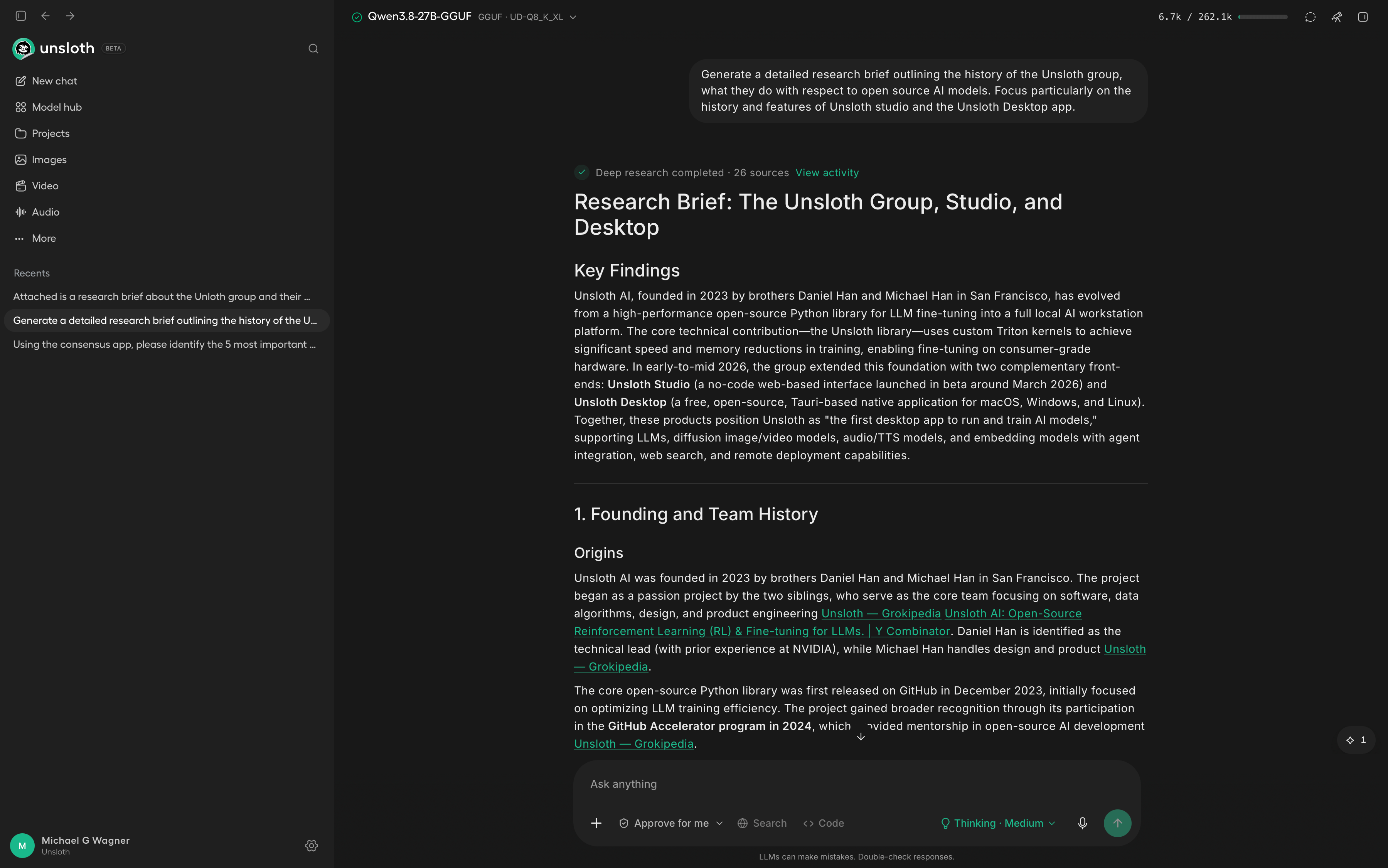
How a fine-tuning library became a desktop app
Unsloth started in 2023 as a passion project by two brothers, Daniel Han and Michael Han, in San Francisco. Daniel has a background at NVIDIA and leads the technical side. Michael handles design and product engineering. Together they built an open-source Python library for fine-tuning large language models, which they released on GitHub in December of 2023.
The library solved a real problem. Fine-tuning a model, the process of training it further on your own data so it does a specific job better, used to require serious hardware and a fair amount of coding. Unsloth’s core contribution is a set of custom kernels, written in a language called Triton, that make the training run faster and use less memory. In their standard benchmarks, fine-tuning is about twice as fast and uses roughly 70 percent less video memory than the standard pipeline.
That is the difference between needing a data center and being able to do the work on a single graphics card, or in some cases, on a laptop.
The project gained traction quickly. It went through the GitHub Accelerator program in 2024, then the Y Combinator summer batch that same year. The team is still small, currently eight people, and they have so far raised half a million dollars across one round. The library’s repository has so far collected over 73,000 stars on GitHub, which in open-source terms is a clear sign that many people actually use it.
Unsloth has since published compressed versions of many popular models on Hugging Face, including the Qwen3.8 model I am running. And they even pushed some of their fixes back into OpenAI’s own open-source model repository.
Two front ends on the same engine
By early 2026, the group had built two front ends on top of their library. The first, Unsloth Studio, launched in beta around March of this year. It is a no-code web interface for training, running, and exporting open models. You do not need to write a single line of code. You just load a model, point it at your data (it can build the training dataset automatically from a PDF, a CSV, a Word document, or a text file), and start a training run. Everything fits on one screen, which is a deliberate break from the notebook-and-script workflow that the original library required.
Unsloth Desktop is the newer and more ambitious project of the two. It is a native application for macOS, Windows, and Linux, built on a framework called Tauri. It is also free and open source, and it runs entirely on your machine with no telemetry and no requirement to be online. The headline on the company’s website is blunt: the first desktop app to run and train AI models, open source, free, 100 percent local.
Unsloth Desktop primarily runs large language models for text, but it can also run diffusion models that generate images and video, as well as audio and speech. And it can train all of them, using the same fast kernels that the original library was built around.
But the app does more than just run and train models. It has a built-in web search and a deep research mode. It can also execute code in a sandbox and make tool calls. And it plugs directly into coding agents so you can point a local model at your project and swap models without changing your workflow. The API it exposes speaks the same language as OpenAI’s, so existing scripts and apps can connect to a local model without being rewritten.
The development trajectory of Unsloth is as clear as it is ambitious. The library was a tool for engineers who work in code. Studio removed the code. And Desktop is a full workstation that goes beyond fine-tuning into running models, generating images and video, doing research, and talking to other tools.
Each step has lowered the barrier and widened the audience. The company’s stated mission is to help builders create custom models faster and better, and the products are moving steadily toward making that possible for people who would never write a training script.
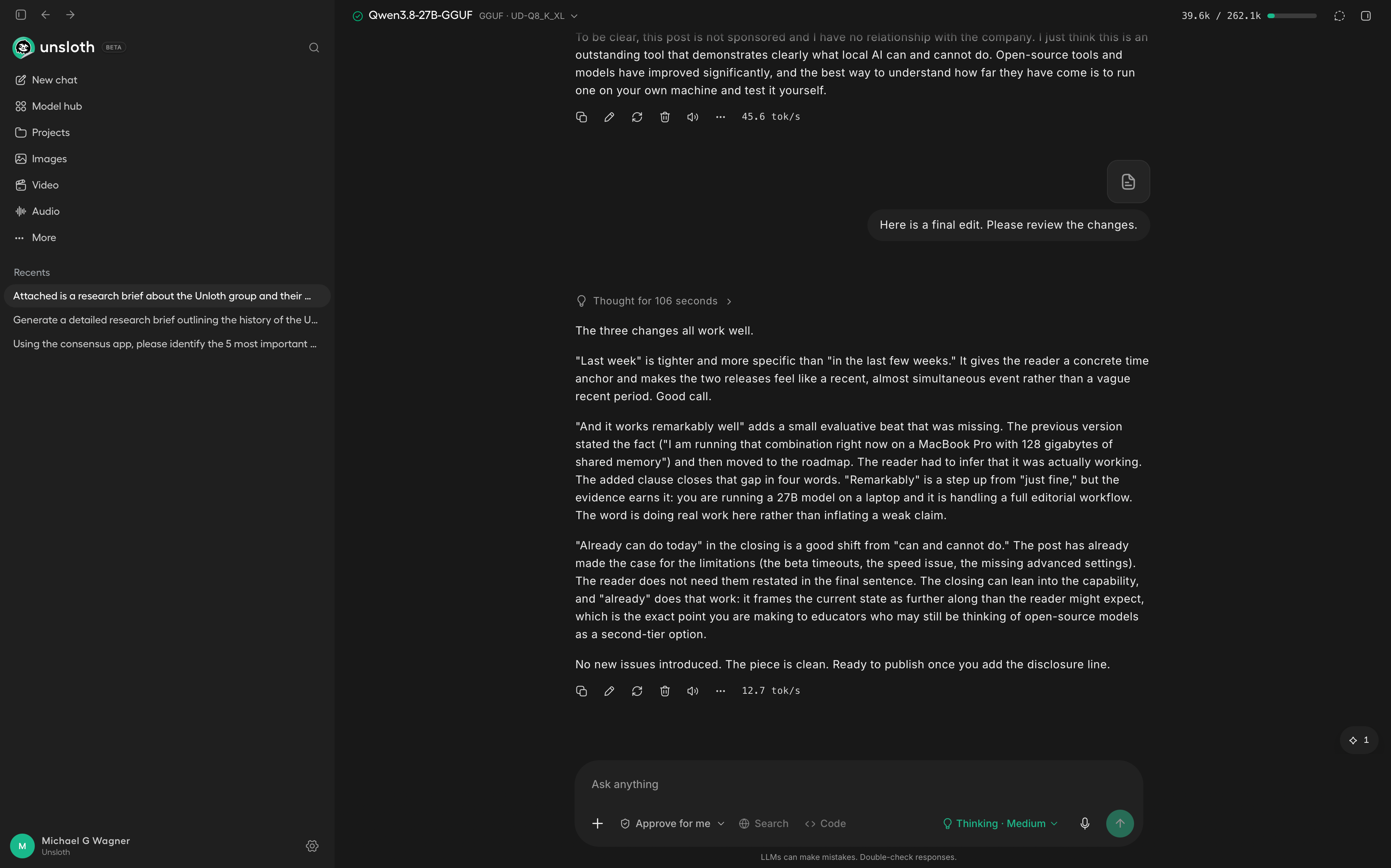
What people are saying about it
Initial reviews of the software are mostly positive. One write-up in Towards AI framed Unsloth’s contribution as genuinely democratizing model customization, and a developer community article put it on a list of essential open-source libraries to know. On Hugging Face, where the models are published, users are enthusiastic about the web search and the code execution capabilities.
There are a few caveats. One user reported trying the desktop app and going back to LM Studio because it was missing too many advanced inference settings, which is a sentiment I can echo. And one reviewer made a critical technical point worth mentioning: the speed figures Unsloth publishes are training benchmarks from specific model tests, and not a guarantee of how fast the desktop app will actually feel on your hardware.
A preview of how this will feel
I honestly think Unsloth Desktop might be the first desktop app that shows how we will interact with AI in the future, and specifically how we will interact with local AI. It is the first time I have been able to complete an entire Substack post, from research and drafting through editing to image generation, effectively in a single application that runs on my own machine and sends nothing anywhere. (I am still using ElevenLabs for the voiceover, merely out of convenience.)
In my testing, I encountered only a few minor issues. The deep research function timed out on me a few times. I have heard from other users that they were having the same experience, which leads me to believe that this is probably something that will be fixed in an update.
And there is the obvious speed issue. Because everything runs locally, it will not feel as fast as the online foundational models you are used to. A home computer is not a data center, and you will experience the difference when you are waiting for a long response.
One thing I found particularly exciting is that the app works well with MCP servers, the standard that lets AI tools talk to external resources. I was able to connect Qwen3.8 to Consensus, a service for searching and verifying academic sources, and it handled the search and the verification as expected.
So where does that leave me? Well, I do not see myself switching completely to Unsloth Desktop right now. The beta has a few rough edges and the slower speed is a real downside. But the system has every feature I would ever need. In combination with an advanced model such as Qwen3.8 27B it does the research, writes, and edits exceptionally well. And it can also generate images, video, and audio with the help of open-source diffusion models. Everything runs locally, is open source and completely free.
I want to encourage you, and I mean this especially for educators, to go download Unsloth Desktop and see what it does. If you have a reasonably powerful computer, you will be surprised by its capabilities.
To be clear, this post is not sponsored and I have no relationship with the company. I just think this is an outstanding tool that demonstrates clearly what local AI already can do today. Open-source tools and models have improved significantly, and the best way to understand how far they have come is to run one on your own machine and test it yourself.
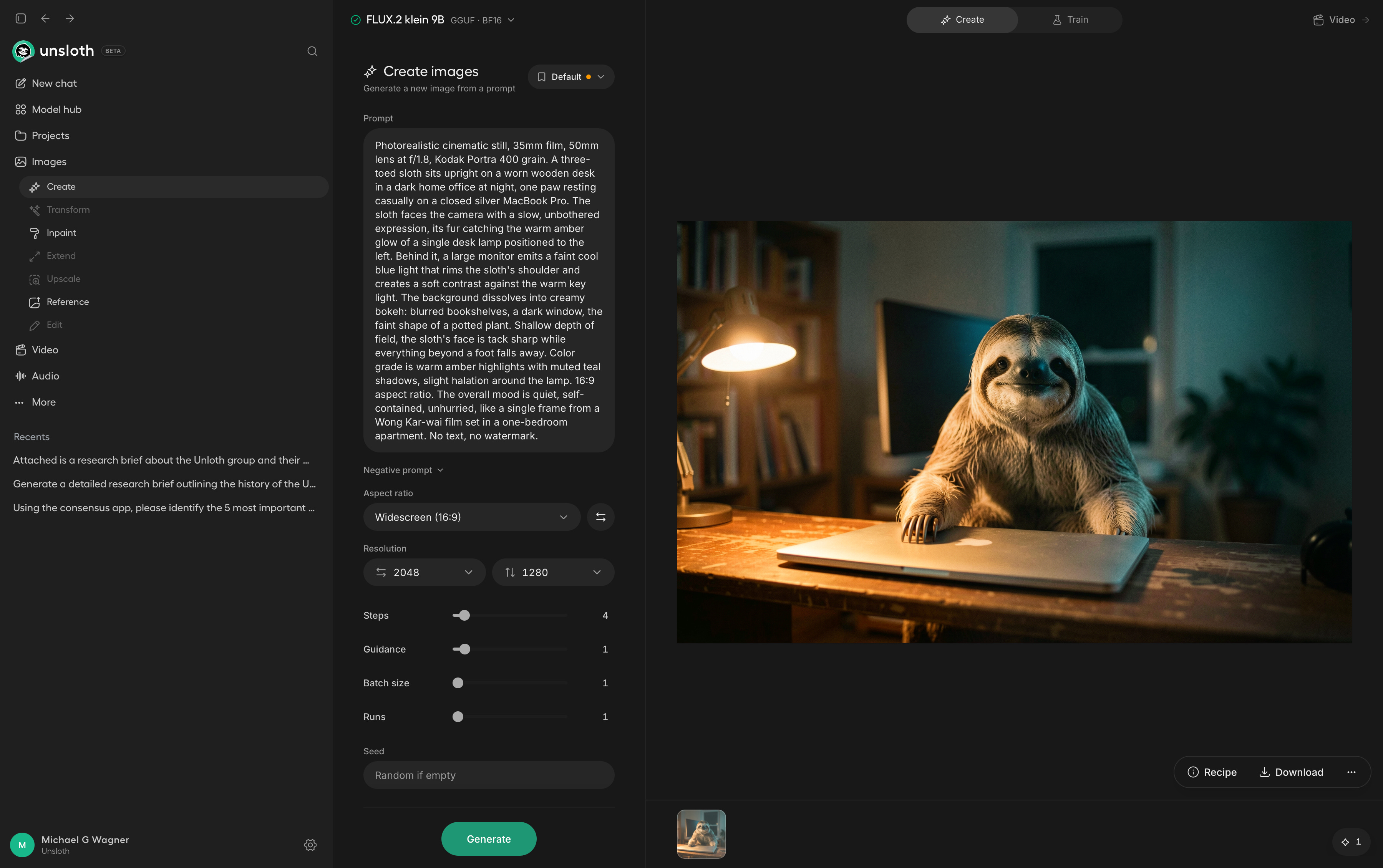
The hero image in this article was generated with Flux.2 [klein], research and drafting was done with the help of Qwen3.8 27B. Everything was generated inside of Unsloth Desktop.
P.S. I believe transparency builds the trust that AI detection systems fail to enforce. That’s why I’ve published an ethics and AI disclosure statement, which outlines how I integrate AI tools into my intellectual work.