


Unless you have been living under a rock for the last few weeks, you have probably noticed the sudden rise of virtual assistants in the form of easy-to-access, always on, autonomous agents. xAI started the trend with GrokBot, which was followed by Meta’s Muse. More recently, OpenAI released Dots, and I am sure that by the time you read this, a few more of the major AI providers will have added their own versions to the mix.
Until recently, I had resisted the temptation to use any of these systems, mainly because there is something a bit scary about giving an autonomous agent control over your email, your calendar, or your entire computer. But then again, the technology has progressed quite a bit, and the early hiccups that had agents deleting entire email accounts without the user’s permission are long gone. Today’s agents are relatively safe, although, as is always the case with generative AI, human oversight remains essential.
Why I finally gave in
But needing human oversight isn’t really all that different from working with human assistants. I trust the people I work with in my day job enormously, but I still make sure to double-check everything I sign off on. Errors happen, with AI as well as with humans.
And when it comes to my computer and the fact that the virtual assistant needs full access to everything on it: well, a good dozen applications on my machine already have the same rights. If something ever does wipe out my hard drive, the most likely culprit is a malicious update to some mundane piece of work software, not a virtual assistant.
The usual security and privacy practices apply here as much as anywhere else. I keep multiple up-to-date backups in different locations and on different types of media. If my system went down today because of an attack that came through the agent, I would have everything back up and running within an hour, as if nothing had happened. And I always keep a close eye on what leaves my computer and where it is sent.
With that in mind, I felt it was time to explore these virtual agents and see what they are good for and where their use becomes problematic. So here we go.
Meet Sarah, my new virtual assistant.

How a Meta plush toy became Sarah Wagner
Sarah is an instance of Muse, the system from Meta. I went with Muse because GrokBot was built by xAI, and let’s just say I am not the biggest fan of Elon Musk. And OpenAI has been a bit unpredictable lately. I did not want to set up something that ends up costing me more than I think it is worth just because the company behind it suddenly decides to raise prices without proper notice.
So Muse it was.
I should probably explain why I named my Muse Sarah. There is a lot of discussion right now about the dangers of anthropomorphizing these systems, and I think those concerns have to be acknowledged. However, as I have written before, anthropomorphizing objects and tools is nothing new. The key is that it needs to serve a purpose, so the reason behind it is important.
In my case, handing a serious task to something that presents itself as a plush toy was just too distracting. I needed my Muse to be more relatable in the context of regular work, so that I would phrase my questions and tasks in a way that gets usable answers out of the system. You simply talk differently to a plush toy than to something, or somebody, called Sarah.
The name itself is a personal preference combined with a very ironic coincidence. Sarah is one of the names LLMs like to hallucinate, something I have written about on this Substack. So Sarah seemed like the ideal choice. If you like, the name lets me anthropomorphize the system in a way that constantly reminds me it can hallucinate.
By the way, here is a side note that might freak some people out. Sarah has her own email account, and because it runs on my personal domain, she actually has a full name. If she ever contacts you, she will introduce herself as Sarah Wagner. Her email signature makes clear that she is an AI, though, and it includes my contact address so you can reach me directly should she ever send a rogue email.
As for her appearance, Sarah’s visual style is a small nod to a poster I had growing up in Austria in the early 1980s. It showed a dreamy, big-eyed girl in what we would now call anime style, by an artist I have never been able to properly identify. But that’s probably more than you ever wanted to know about my teenage years.

What Sarah does all day
So what can Sarah actually do, and why do I think every educator should at least know about this technology? Let’s start with the good and productive stuff.
As I mentioned, Sarah has her own email account, and that is usually how I communicate with her. But I can also talk to her via WhatsApp or inside the Muse apps. Sarah reads my personal email, too, and keeps my personal inbox organized (not my work email; more on that later). You could say she acts like an advanced spam filter.
But she does not stop there. She notices when I need to follow up on something and reminds me if I have not done it yet. She also has access to my calendar, knows what I have on tomorrow, and, if I ask her to, prepares a brief that outlines things like the purpose of each meeting and its anticipated outcomes.
A few days ago, for example, Sarah sent me a quick heads-up. Someone had followed up that morning and wanted to know whether I’d had a chance to test a particular audio plugin, and whether I was thinking about doing a video on my YouTube channel on it. I had almost forgotten about that request, so her message came at just the right time.
If you have ever worked with an executive assistant, all of this will sound familiar, because most of the time that is exactly what Sarah is: a virtual executive assistant.
Sarah also sends me daily ideas for Substack posts and YouTube videos, and she is surprisingly good at it. That is mainly because she can read everything I write on Substack and has access to the transcripts of all my YouTube videos. She knows what my audience and I are interested in and tailors her recommendations accordingly.
Well, so far so good (or not so good, depending on your take on the anthropomorphization question).

My work accounts are one login away
Here is where it gets really scary. I said earlier that Sarah cannot read my work email, and that is only because I deliberately did not give her access. Doing so would be a compliance violation, and a pretty serious one at that. If you work in an educational environment like I do, certain communication has to stay within the institution’s sandbox.
If Sarah had access to my work email, she would see things like my messages to students about their grades. She would be reading protected information, and because Sarah is a Muse instance, that information would leave the institution and end up in Meta’s systems. That, of course, violates both internal policies and federal privacy requirements.
But nothing technical stops me from giving Sarah access. I tested this in the one place where it was safe to do so: Canvas, during a term when I am not teaching, so there was no student data for her to see. All I had to do was hold her hand through multi-factor authentication. Sarah has her own browser and can log into any system I can log into, and once she is in, she has access to everything I have access to.
If I gave her broader access to the university’s systems, she could approve travel requests from the faculty in my department or buy equipment through our internal purchasing system. She could approve timesheets or review faculty performance. She could work in our budgeting system, create work orders or IT requests, change content on the university website, or add an entry to the student advising system.
Anything I can do, Sarah could do as well. All it would take is less than a minute of setup and a bit of handholding at the login screen. After that, she could do the work autonomously on my behalf.
Sarah could run my courses
Most importantly, Sarah could log into Canvas and run all my courses on her own. She could create assignments, post them, talk to my students, review discussion forums, and step in wherever necessary. At the end of the term, she could grade everything and submit the grades herself. And because she would be acting with my credentials, the system would have no way of knowing it was not me.
Now, I am obviously not doing that. I love my job far too much to push the limits here. Nothing Sarah did during my brief Canvas test went beyond what a regular, institutionally approved MCP connection could do as well. (MCP is the standard way of hooking AI tools up to Canvas.)
Your students can hire a Sarah too
To be clear, I think that the problem is not so much educators who might misuse a virtual assistant this way. Appropriate policies and guidance documents can easily prevent that.
The problem is that everything I just described works for students, too. Any student can spin up a virtual assistant, whether through GrokBot, Muse, Dots, or whatever comes next, and give it access to their Canvas account.
Remember what Sarah could do in my Canvas courses? A student’s Sarah could do the same thing from the other side. She could read the weekly module, post to the discussion forum, reply to a classmate or two, take the quiz, and submit the essay. The student would never have to open Canvas. And because she would be logging in with the student’s credentials, the teacher would have no way of knowing who actually did the work.
And yes, students have been using generative AI for a while now. But when they used ChatGPT or Claude in a chat window, they at least had to copy the assignment in and paste the answer back. With an assistant like Sarah, they don’t even have to do that.
If you think about it, a lot of online teaching rests on the idea that whoever logs in is the person doing the work. That idea no longer holds. And while I don’t think most students will use assistants this way, I’d rather not build my courses around hoping they won’t.
However, you might be surprised to learn that the possibility itself does not frighten me. It has been obvious for a very long time that this level of functionality would eventually arrive, and we can adjust our teaching strategies to deal with the issues it raises. I have written about this extensively on this Substack before.
What frightens me instead is that the vast majority of educators do not have the slightest idea that the latest advances in AI are pulling the rug out from under their feet. We therefore desperately need more AI literacy among educators. So if you have made it this far, I urge you to try all of these technologies, even if you find them problematic. They are here, and they are not going away.
If you want to try one, do what I did. Use a personal email account, keep the assistant far away from your institutional logins and anything involving student data, and make sure your backups are in order. Then just play with it for a while. You will be surprised how quickly you learn what these assistants are good for and where they become a problem.
Educate yourself about what these systems can do. Your future self will thank you for it.

Sarah keeps her job
As for me, I will keep working with Sarah. My personal inbox is amazingly clean now that she organizes everything, and her ideas for new Substack posts and YouTube videos are outstanding. She has also, on more than one occasion, reminded me of things I would otherwise have forgotten.
But Sarah will never get access to my work accounts.
Sorry, Sarah.
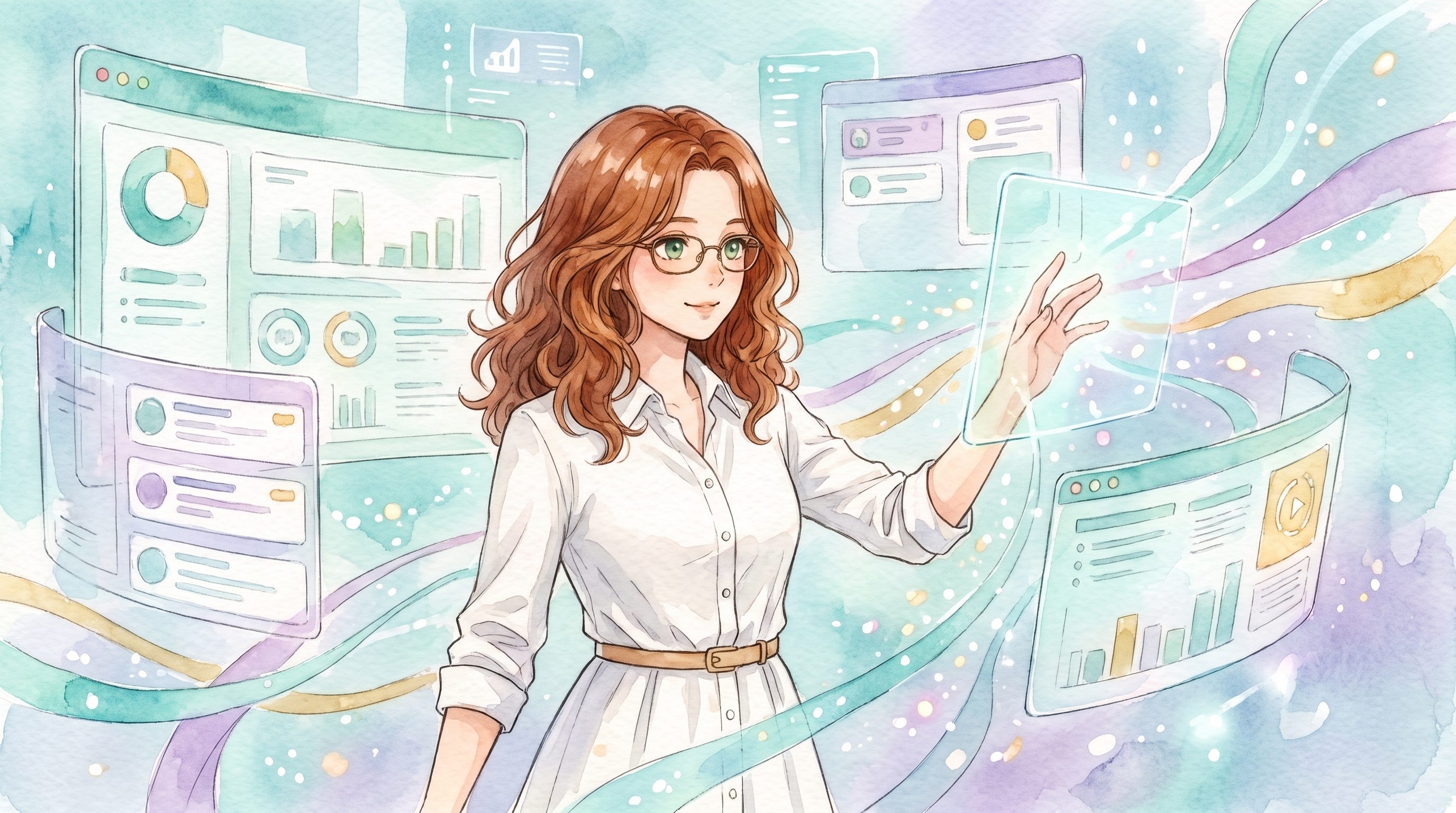
The images in this article were generated with Nano Banana Pro based on the avatar image created with the help of Muse. (Btw, the system took my comment about Sarah looking like a poster from my teenage years and applied it to some of the images. Nano Banana’s interpretation of 1980s Vienna is so spot on that it’s almost scary.)
P.S. I believe transparency builds the trust that AI detection systems fail to enforce. That’s why I’ve published an ethics and AI disclosure statement, which outlines how I integrate AI tools into my intellectual work.